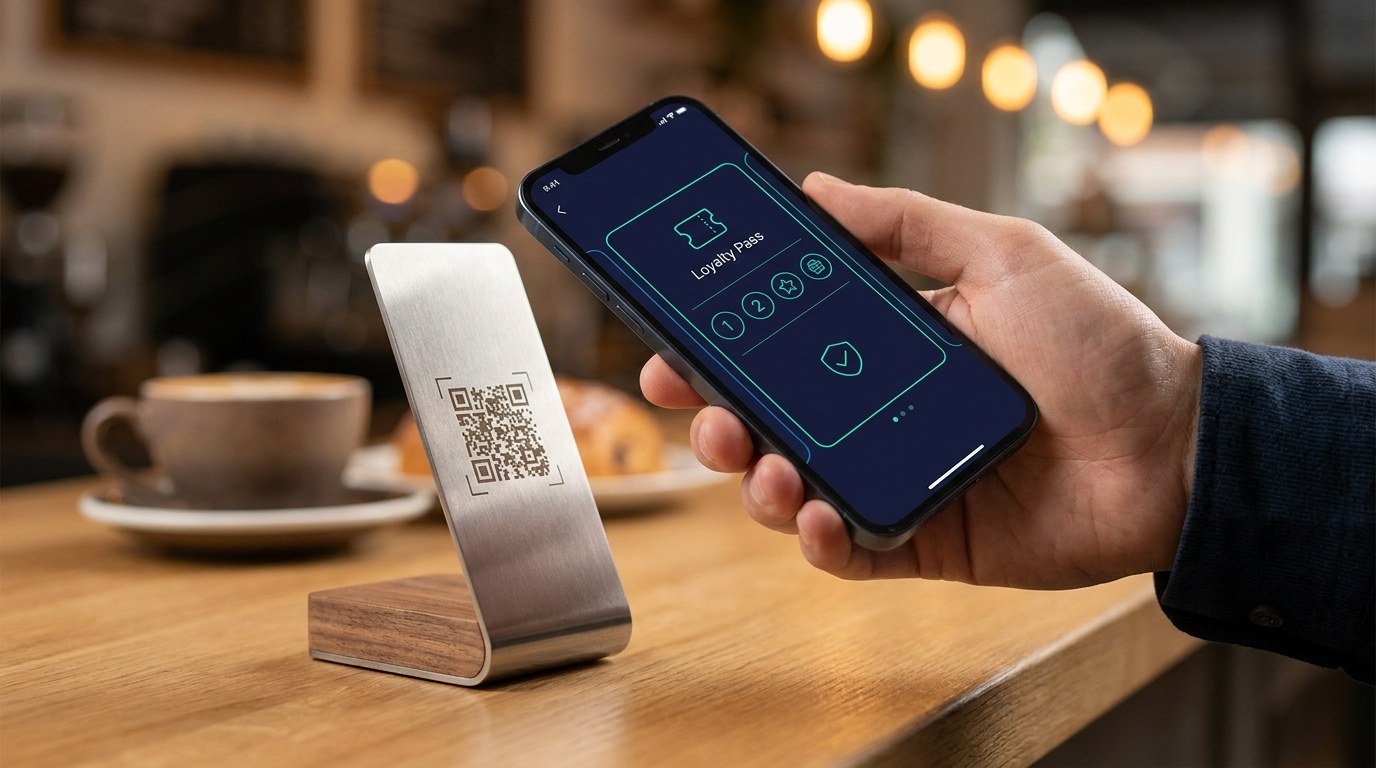
Most loyalty programs don't fail at the reward. They fail at the sign-up. The offer is fine, the stamps are fine — but joining means downloading an app, filling in a form, or carrying yet another card, and the customer at the counter has about ten seconds of patience. A QR code loyalty program removes that wall: the customer scans a code with their phone camera, taps once, and your branded card lands in their Apple Wallet or Google Wallet. No app store, no clipboard, no plastic. The whole thing takes less time than tapping to pay.
Where Loyalty Programs Actually Lose People
Think about the moment a customer joins. They've just paid. Their coffee is getting cold, there's a queue behind them, and your staff has one sentence to make the invitation. Every traditional format fumbles it:
- Apps ask too much. Find it in the store, download, register, verify an email — for one café or one salon. Almost nobody does it, and we've written about why customers don't download apps. The ones who do often delete it in a week.
- Forms kill the queue. A name, a phone number, a signature on a tablet while three people wait behind. Staff stop offering it by Thursday.
- Cards leave the building and disappear. Paper and plastic get lost, washed, and forgotten in drawers — which is why the punch card with eight stamps is never there when it matters.
The pattern is simple: every extra step at the join moment cuts the number of people who finish it. The program that wins is the one with the fewest steps — and one scan is as few as it gets.
How a QR Code Loyalty Program Works
Here's the whole flow, from the customer's side. They point their phone camera at a QR code on your counter. A link opens with your card on it — your logo, your colours, your offer. They tap "Add to Apple Wallet" or "Add to Google Wallet". Done. The card now lives next to their bank cards and boarding passes, on the one device they never leave behind.
From your side, the mechanics are just as light:
- One code, printed once. The QR code doesn't change. Put it on a counter stand, a table tent, a receipt, a mirror sticker — anywhere the customer already looks. If your offer changes later, the card updates on every phone; the code stays the same.
- Stamps happen at the till. Your staff scan the customer's pass on the next visit and the stamp lands on the card instantly. Progress is visible — "two stamps from a free wash" pulls harder than any points balance.
- The card talks back. Because the pass is digital, you can see who joined, who's active, and who's gone quiet — and send a short message to the lock screen when you have a reason to.
That's the entire operating manual. It's why wallet-based digital stamp cards get used at rates paper and apps never reach: the join costs the customer ten seconds, and being reminded costs them nothing at all.
Where to Put the QR Code (and What to Say)
The code works hardest at the moment a customer has just had a good experience and is about to pay. A few placements we see working across the UAE:
- Cafés and restaurants: a stand at the till and a small print on the receipt. Staff line: "Scan this — today's order counts toward your free one." See how it runs for restaurants on Wally.
- Salons and barbershops: a sticker on the mirror or a card at reception, offered while the client books their next appointment. More on salons here.
- Retail: counter stand at checkout — "scan and today's purchase counts toward AED 50 off."
- Gyms and studios: front desk, during sign-up or renewal, where the same scan can carry a membership card too.
The script matters as much as the placement. One sentence, said at the right moment, with the benefit up front. Staff don't need training beyond that — there's no app to explain and no form to shepherd anyone through.
What to Check Before You Print the Code
Not every QR-based program is equal. Three things worth confirming before you commit:
- The scan should end in the wallet, not a webpage login. If the code leads to a registration form or an app download, you've rebuilt the old wall with a new doorway.
- The card should be yours, not the platform's. Your logo, your colours, your reward — it sits next to bank cards, so it should look like it belongs there.
- Updates should reach every phone at once. Change the reward, fix a typo, launch a seasonal offer — without reprinting anything or asking customers to re-add.
The Takeaway
A loyalty program is only as strong as its weakest moment, and for most businesses that moment is the sign-up. A QR code loyalty program built on Apple Wallet and Google Wallet turns joining into a single scan — no app, no form, no plastic — and turns your counter into the cheapest customer-acquisition channel you own. The customers are already standing there. All the QR code does is stop making them work to say yes.
Want to see it with your own branding? Book a quick demo with Wally — scan one code and your card is in your wallet before the coffee's ready.