wally.
Contact salesSign in
Home/Solutions/Google Wallet

Last updated

Google Wallet

Your brand, in Google Wallet.

Wally lets businesses create, issue and manage Google Wallet passes — loyalty cards, event tickets, membership cards, offers and access passes — that customers save in one tap and that update in real time. No app required.

Add to Google Wallet
Android & Google Wallet
Smart Tap NFC
No app required
Event ticket pass in Google Wallet
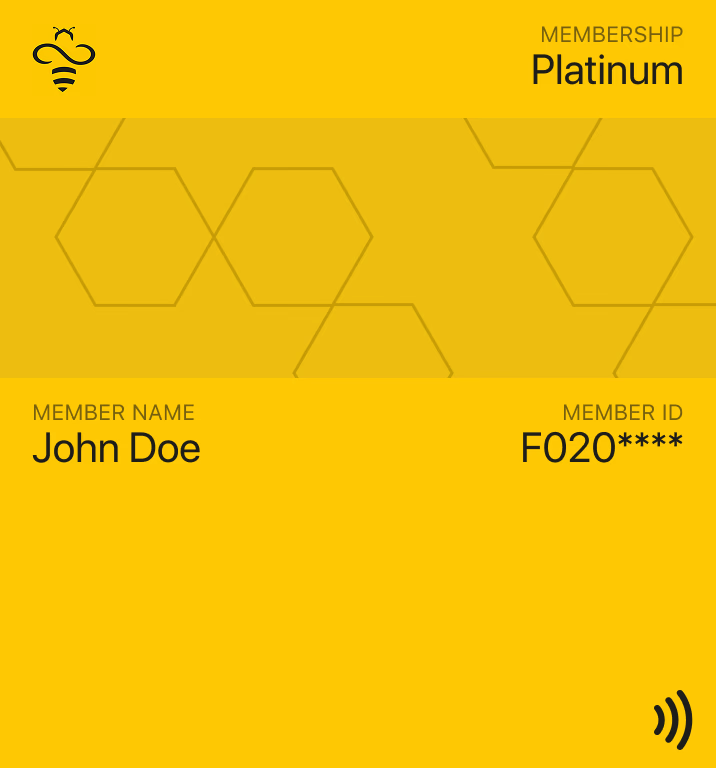
Membership card pass in Google Wallet
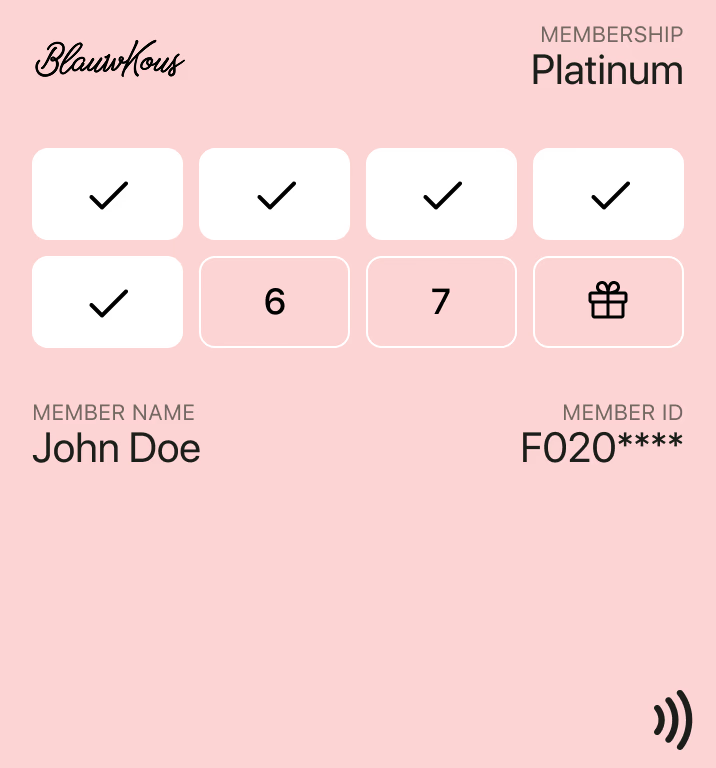
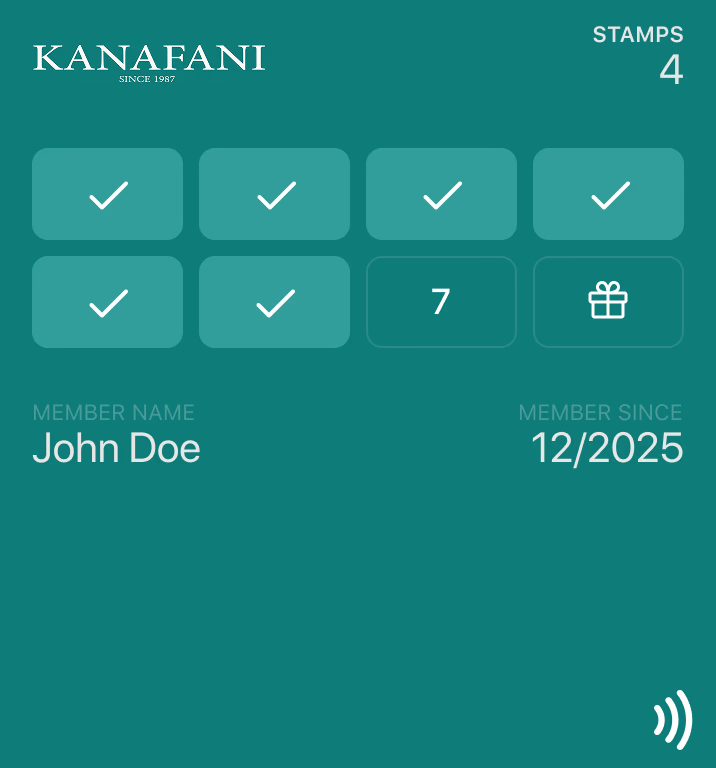
Loyalty card pass in Google Wallet
Saved to Google Wallet
Loyalty card • 1,250 points
Pass updated
Live
▲ no re-download
1-tap
save to Google Wallet
6
pass use cases supported
Live
updates to saved passes
1 API
for Google & Apple Wallet
Why Google Wallet

Meet Android customers where they already are.

Google Wallet comes built into Android phones. A pass saved there is always one swipe away — no app to download, no plastic to carry, no email to dig up.

Instant

One-tap save

Customers add your pass from a link, QR code, email, SMS or website button in a single tap.

Always current

Real-time updates

Points, stamps, seats and expiry dates update on the saved pass the moment they change.

Contactless

Smart Tap NFC

Redeem loyalty, tickets and access with a tap on a certified NFC reader — or scan the barcode.

Engaging

Pass notifications

Surface updates and messages on the pass to bring customers back without an app.

How it works

Live on Google Wallet in three steps.

1

Design your pass

Build your template in the Wally dashboard — logo, colours, hero image, fields and barcode or Smart Tap. Wally creates the matching Google Wallet class.

2

Distribute the “Add to Google Wallet” link

Share a signed save link by QR code, email, SMS, your website or checkout. Wally issues a personal pass object for every customer.

3

Update, notify and measure

Push balance and status changes to saved passes through the dashboard or API, and track saves, removals and redemptions in real time.

google-wallet-pass.sh
# Issue a Google Wallet pass
curl https://api.wally.ae/v2/credentials \
  -H "Authorization: Bearer $WALLY_KEY" \
  -d '{'
    "template": "loyalty_card",
    "holder": "ada@acme.com",
    "fields": { "points": 1250 }
  '}'

# → returns a signed “Add to Google Wallet” link
{ "id": "cred_8Kp2",
  "google_save_url": "https://pay.google.com/gp/v/save/eyJ…" }
The problem we solve

Google Wallet without the integration work.

The challenge
Building on the Google Wallet API directly means issuer accounts, service-account signing, JWT save links, class and object management and brand-guideline reviews.
With Wally
Wally handles the Google Wallet integration end to end, so your team designs passes in a dashboard or issues them with one API call.
The challenge
Supporting Android and iPhone usually means two separate wallet projects, two designs and two sets of customer data.
With Wally
One Wally template issues both a Google Wallet pass and an Apple Wallet pass, with a single link that serves the right wallet on every device.
Capabilities

Built for the full Google Wallet pass lifecycle.

Issue & save

A pass on the phone in seconds

Every customer gets a personal, signed Google Wallet pass object linked to your class — saved from any channel you already use.

  • Official “Add to Google Wallet” button
  • QR code, email, SMS and web distribution
  • Bulk issuance for existing customer lists
9:415G
Google Wallet
Loyalty pass saved in Google Wallet
Pass saved
Welcome to Rewards, Ada
Update & redeem

Passes that stay in sync

Wally keeps saved passes current and makes redemption contactless, with every event flowing back to your systems.

  • Real-time points, tier and ticket updates
  • Google Smart Tap and barcode redemption
  • Webhooks and analytics for saves and removals
Event ticket pass in Google Wallet
FAQ

Google Wallet questions, answered.

Wally issues Google Wallet loyalty cards and digital stamp cards, event tickets, offers and coupons, and generic passes for membership cards, access passes and digital business cards. Each is created as a Google Wallet class (your template) and object (the customer’s individual pass).

No. Customers tap the “Add to Google Wallet” button from a link, QR code, email, SMS or your website, and the pass is saved straight into Google Wallet on their Android phone. There is no app to download.

Yes. When a points balance, stamp count, seat, tier or expiry date changes, Wally updates the pass object through the Google Wallet API and the change appears on the customer’s saved pass automatically — no re-download needed.

Yes. Wally passes can be enabled for Google Smart Tap so customers redeem loyalty cards, tickets and access passes by holding their phone to a certified NFC reader. Our store stocks Smart Tap certified readers, including the VTAP100 PRO range.

No. Wally manages the Google Wallet issuer account, service-account signing and API integration for you, so you can launch without a Google Cloud project of your own.

The same Wally template issues an Apple Wallet pass for iPhone users. One campaign link detects the device and offers Google Wallet on Android and Apple Wallet on iOS, so you design and manage every pass in one place.

Ready to launch your passes in Google Wallet?

Talk to our team about bringing your loyalty cards, tickets, memberships and offers to Google Wallet — and Apple Wallet — from one platform.