Last updated
Samsung WalletYour brand, in Samsung Wallet.
Wally helps businesses bring loyalty cards, event tickets, membership cards and coupons to Samsung Wallet — so Galaxy customers save your pass in the wallet already on their phone and see it update in real time. No app required.
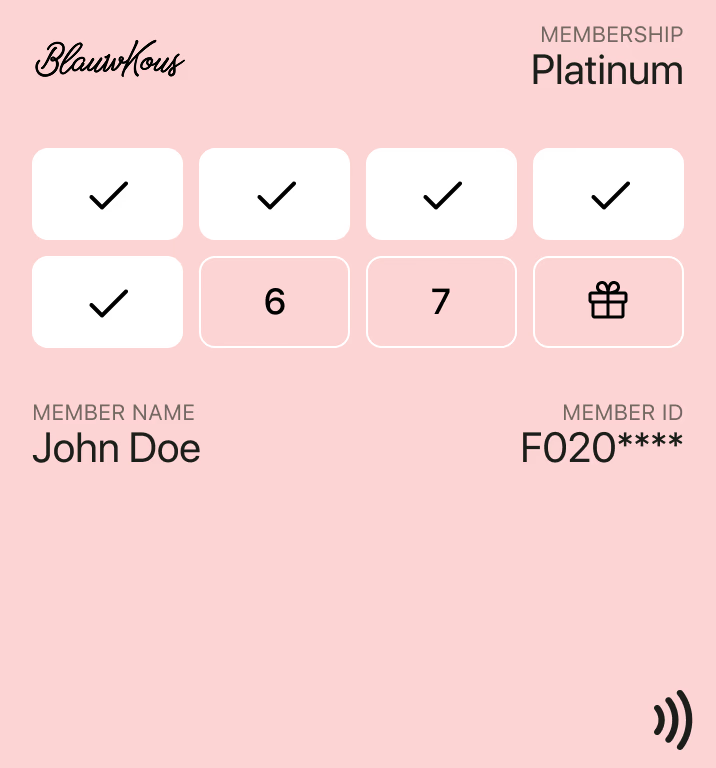
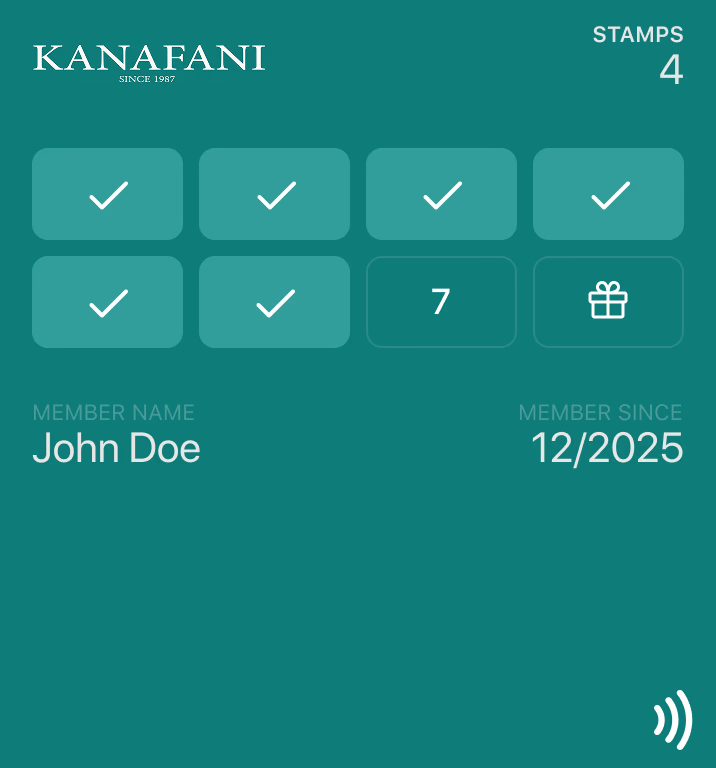
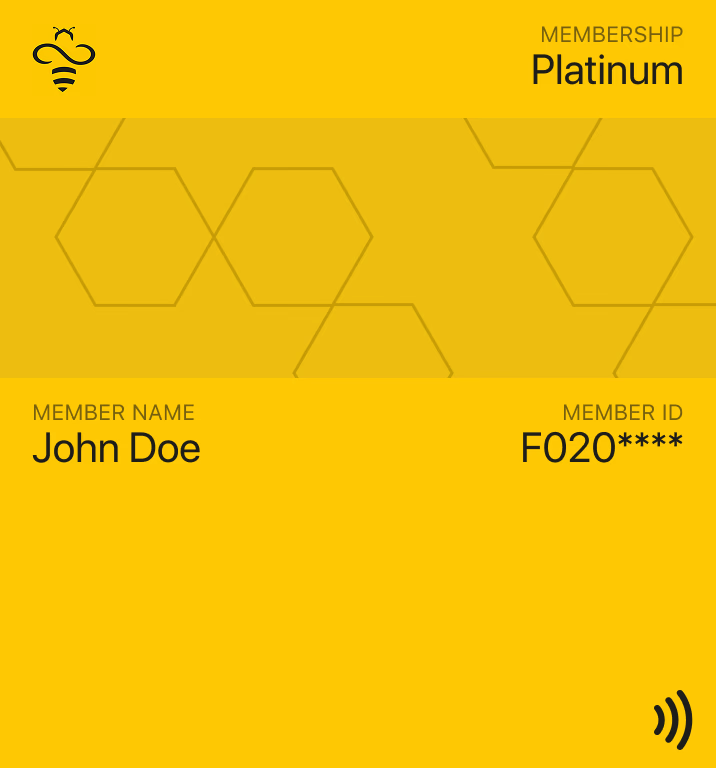
Reach Galaxy customers in their default wallet.
Samsung Wallet comes preinstalled on supported Galaxy phones and keeps payment cards, passes and IDs in one place. Putting your pass there means Galaxy owners carry it right next to the cards they pay with.
One-tap add
Customers add your pass from an “Add to Samsung Wallet” link on your website, email, SMS or QR code.
Real-time updates
Points, stamps, seats and expiry dates stay current on the saved pass as they change.
Next to payment cards
Your pass lives in the same app Galaxy owners already open to pay — no extra download.
Alongside Google Wallet
Many Galaxy owners use both wallets. Wally lets customers choose, from the same template.
Every Samsung Wallet pass your business needs.
Wally maps each use case to the matching Samsung Wallet card type, so your passes look native on Galaxy phones.
Loyalty & stamp cards
Points, tiers and digital stamp cards that update after every purchase.
Loyalty card
Event tickets
Barcode tickets with seat, gate and time details that change live.
Ticket
Membership cards
Member cards showing tier, benefits and renewal date — revoked instantly if needed.
Generic card
Entry passes
QR and barcode passes for clubs, gyms, venues and visitor entry.
Generic card
Offers & coupons
Redeemable promotions that live in the wallet instead of an inbox.
Coupon
Digital business cards
Shareable contact cards with a QR code — create one free in under a minute.
Generic card
Live on Samsung Wallet in three steps.
Design your pass
Build your template once in the Wally dashboard — logo, colours, fields and barcode. Wally maps it to the matching Samsung Wallet card type.
Share the “Add to Samsung Wallet” link
Put the add link on your website, checkout, email, SMS or a QR code. Wally issues a personal pass for every customer.
Update and measure
Push balance and status changes to saved passes through the dashboard or API, and track adds and redemptions in real time.
# Issue a Samsung Wallet pass
curl https://api.wally.ae/v2/credentials \
  -H "Authorization: Bearer $WALLY_KEY" \
  -d '{'
    "template": "loyalty_card",
    "holder": "ada@acme.com",
    "fields": { "points": 1250 }
  '}'

# → returns an “Add to Samsung Wallet” link
{ "id": "cred_8Kp2",
  "samsung_add_url": "https://a.swallet.link/atw/…" }
Samsung Wallet without the integration work.
Built for the full Samsung Wallet pass lifecycle.
A pass on the Galaxy in seconds
Every customer gets a personal Samsung Wallet pass built from your template — added from any channel you already use.
- “Add to Samsung Wallet” links and buttons
- QR code, email, SMS and web distribution
- Bulk issuance for existing customer lists
Passes that stay in sync
Wally keeps saved passes current and every change flows back to your systems.
- Real-time points, tier and ticket updates
- Barcode and QR redemption at the counter
- Webhooks and analytics across all three wallets
Samsung Wallet across your business
Samsung Wallet questions, answered.
Wally brings loyalty and stamp cards, event tickets, coupons and generic cards — used for membership cards, entry passes and digital business cards — to Samsung Wallet, mapped to Samsung’s card types.
Samsung Wallet is available on supported Samsung Galaxy phones in markets where Samsung offers the service. Customers without it can add the same pass to Google Wallet or Apple Wallet instead.
No. Samsung Wallet comes preinstalled on supported Galaxy phones. Customers tap “Add to Samsung Wallet” from a link, QR code, email, SMS or your website and the pass is saved.
Yes. When a points balance, tier, seat or expiry date changes, Wally sends the update to Samsung Wallet so the customer’s saved pass stays current.
Both. Galaxy owners can use either wallet, so Wally lets you offer Samsung Wallet alongside Google Wallet from the same template and let each customer choose.
Talk to our team. We confirm Samsung Wallet availability for your market, set up your card templates and get your first passes live alongside Apple Wallet and Google Wallet.
Ready to launch your passes in Samsung Wallet?
Talk to our team about bringing your loyalty cards, tickets, memberships and offers to Samsung Wallet — alongside Apple Wallet and Google Wallet — from one platform.