
wally.
Contact salesSign in

Last updated

Geofencing

Your card shows up when they’re near your door.

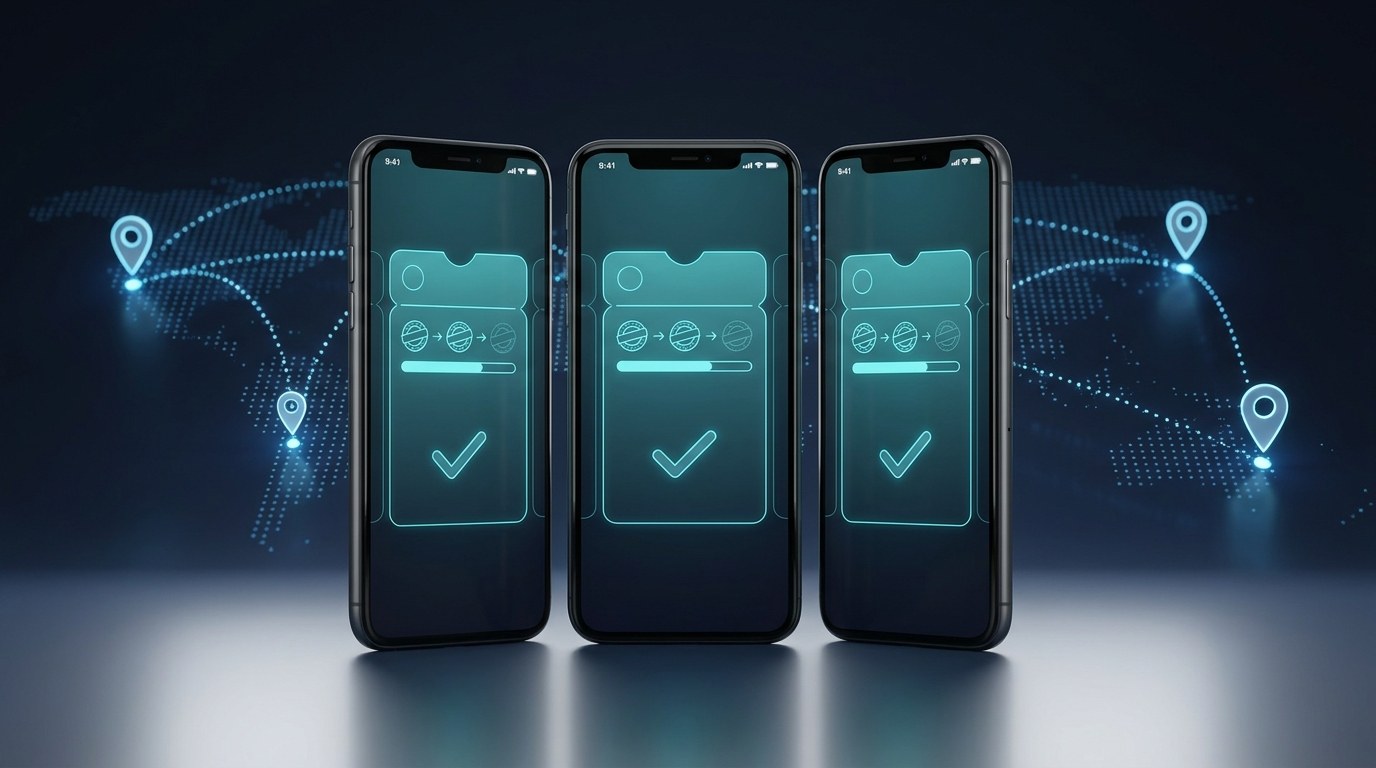
Wally puts your branch coordinates inside every wallet pass. When a customer who holds your card walks past — the mall entrance, the car park, the office tower across the road — the card surfaces on their lock screen with a line you wrote. No app, no ad spend, and no location data ever leaves their phone.

Nothing tracked
Apple & Google Wallet
No app required
Loyalty pass surfacing on an iPhone lock screen near a store
Location-aware wallet pass in Google Wallet
Wallet pass
You’re nearby
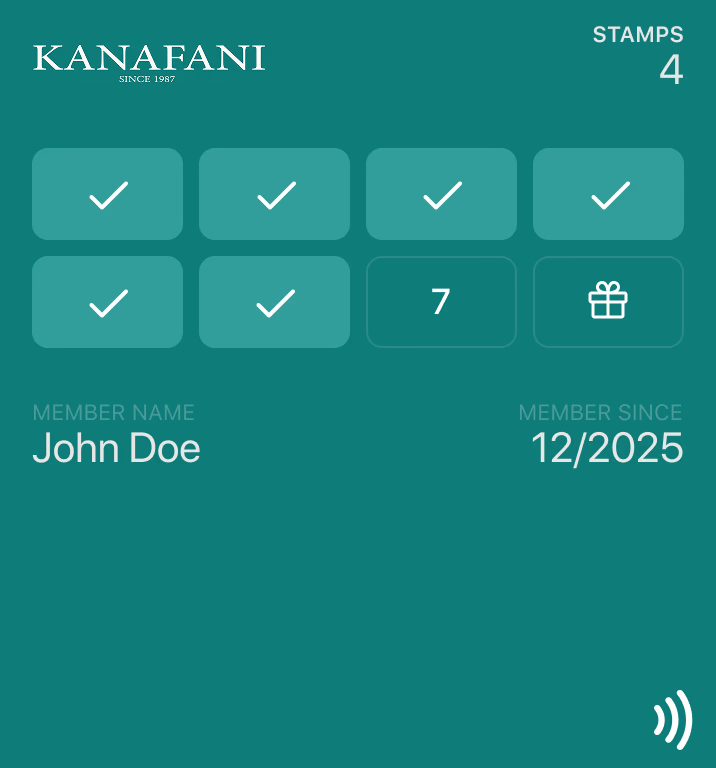
8 of 10 stamps — Marina branch
Cost per nudge
Zero
▲ no CPM, no media buy
10
locations per pass
0
cost per impression
Both
Apple & Google Wallet
None
location data collected
How it works

The coordinates travel inside the card.

When Wally issues a pass, your locations go with it. From then on the customer’s phone does the work — it notices they are near one of your places and puts the card in front of them, with the text you set for that branch. Nothing is sent at that moment, which is why it costs nothing and why nobody is tracked. For the underlying mechanics, read our guide to Apple Wallet geofencing.

Set once

No campaign to relaunch

Load your branch coordinates once and every pass you ever issue carries them. There is no budget to top up and nothing to switch back on.

Per branch

Every location, its own line

The Marina shop can say something the Downtown shop doesn’t — opening hours, parking, the drive-through. The text belongs to the pin, not the pass.

Indoors too

Beacons where GPS gives up

Bluetooth beacons pin the card to a floor, a counter, or an exhibition stand when coordinates alone aren’t precise enough.

Private

Nothing leaves the phone

The match happens on the customer’s device against coordinates you shipped. No location reaches Wally, and none reaches you.

The problem we solve

Being nearby isn’t the same as being remembered.

The challenge
Customers walk within fifty metres of you and never think of you.
With Wally
Their card surfaces on the lock screen at the car park, the metro exit, or the mall entrance — while the decision about lunch is still open.
The challenge
Reaching people near your shop means paying an ad platform for every impression.
With Wally
Location relevance is built into the pass format itself. There is no media cost, no agency fee, and no audience to re-rent next month.
The challenge
Location marketing usually means buying data about people who never opted in.
With Wally
You only reach customers who chose to add your card, and their phone — not your server — decides when to show it. Nothing is collected.
Straight answers

What it can and can’t do.

Location relevance is a strong feature with real edges. We would rather you know them before you build a plan on top of it.

Limit

Ten locations per pass

Both wallets cap a single pass at ten places. Larger chains issue branch-specific passes so every customer carries the ten pins nearest them.

Limit

The phone chooses the moment

Relevance rides on the operating system’s low-power location machinery. Think “around arrival”, not a trigger you can time to the second.

Limit

No impression reporting

Nothing is reported back, so there are no view counts. That is the same fact as the privacy guarantee, seen from the other side.

Pair it

It shows the card, it doesn’t write the message

To say something new, send a pass update — a lock screen push to everyone holding your card. Geofencing catches them at the door; the push carries the news.

FAQ

Questions, answered.

Wallet geofencing means putting geographic coordinates inside a wallet pass so the customer’s phone surfaces that pass when they are near one of those places. In Apple Wallet the card appears on the lock screen with a short line of text you wrote; in Google Wallet the phone raises a notification. No app is involved and nothing is sent from your server at that moment — the phone decides on its own.

Ten on each platform. Apple’s pass format allows an array of up to 10 locations per pass, and Google Wallet allows a maximum of 10 merchant locations per class, rejecting any beyond that. Businesses with more than ten branches usually issue branch-specific passes so each customer’s card carries the ten locations nearest to them, or add Bluetooth beacons at key sites.

No. Geofenced advertising buys impressions served to strangers whose devices entered an area, using third-party location data, and it stops the moment you stop paying. Wallet geofencing reaches only customers who already added your card, costs nothing per impression, and keeps working for as long as they keep the pass.

No. The coordinates travel inside the pass to the customer’s device, and the phone evaluates them locally. No location is sent to Wally or to the business, which is also why there are no impression analytics for this feature — the privacy and the missing reporting are the same fact.

Partly. Apple’s maxDistance key lets you set a maximum distance in metres, and the system uses the smaller of your value and its own default — so you can tighten the radius but never widen it. Google sets its own radius around each merchant location and does not expose it.

No, they do different jobs. Geofencing decides where and when the card appears; it cannot say anything new. A pass update push is how you send a fresh message — an offer, a reminder, a change of hours — to everyone holding the card. Most businesses use both: the push carries the news, the geofence catches the customer at the door.

Put your shop on your customers’ lock screens.

Launch a wallet loyalty card with your locations built in — and see the first pass live on your own coordinates in minutes.