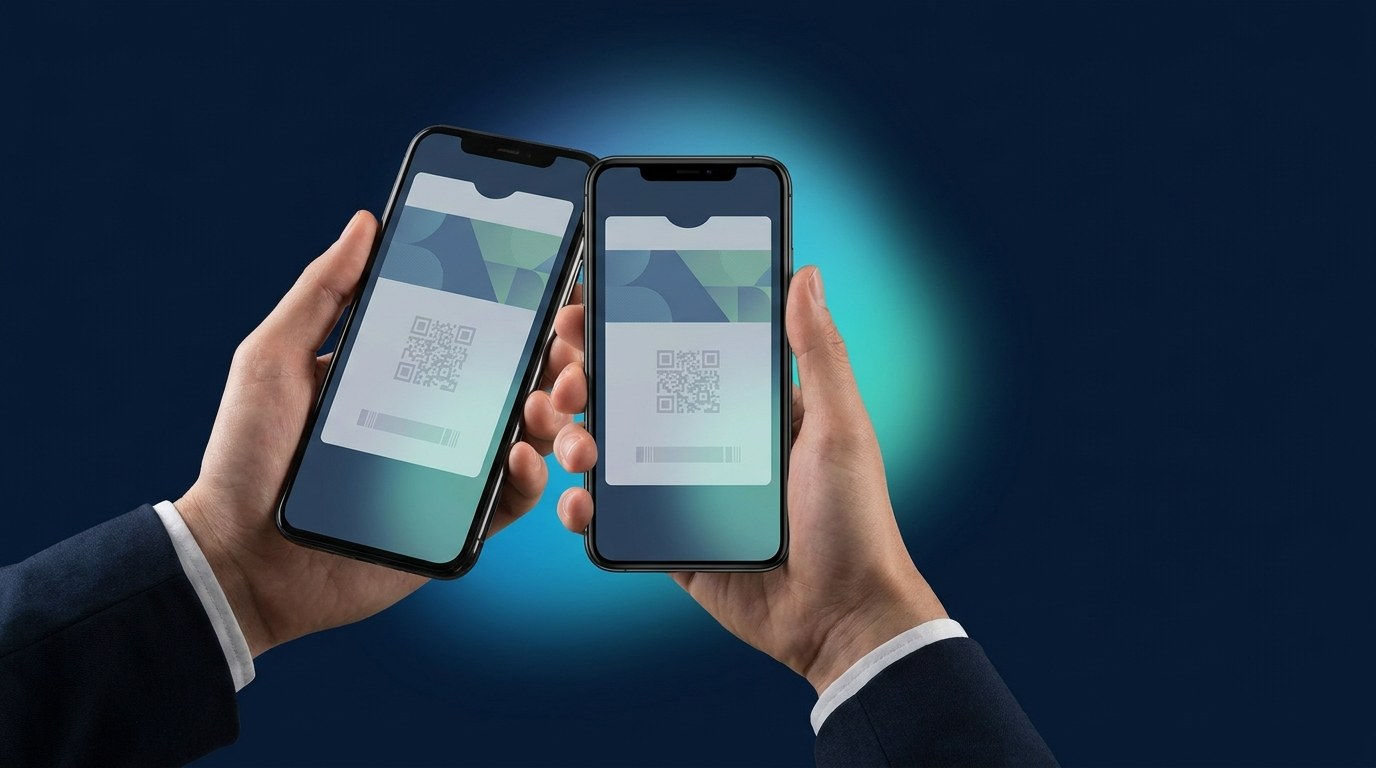
If you've ever added a boarding pass, concert ticket, or coffee-shop loyalty card to the Wallet app on an iPhone, you've used a PKPass file — probably without knowing it. A PKPass (or .pkpass) file is the file format behind every pass in Apple Wallet. For business owners, it's worth ten minutes of your attention, because this one small file is how modern loyalty cards, membership cards, and event tickets end up living on your customers' phones — no app required.
What Is a PKPass File, Exactly?
A PKPass file is a small digital package that tells Apple Wallet everything it needs to display a pass: your logo and colours, the customer's name or member number, the barcode or QR code to scan, and the rules for when the pass should appear on the lock screen. When a customer taps "Add to Wallet," their iPhone downloads this file and turns it into the card they see in the Wallet app.
Under the hood, a .pkpass file is just a compressed folder containing three kinds of things:
- A description of the pass. A structured text file that defines what the pass says — the fields, the balance, the barcode, the colours.
- Your artwork. The logo, icon, and strip images that make the pass look like your brand instead of a generic card.
- A digital signature. A cryptographic seal, issued through an Apple developer certificate, that proves the pass is genuine and hasn't been tampered with. Without a valid signature, an iPhone will simply refuse to open the file.
That last part is the reason you can trust a wallet pass in a way you can't trust a photo of a plastic card: every pass is signed, verifiable, and can be updated or revoked by the business that issued it.
What Can a PKPass Actually Be?
Apple designed the format to be flexible, and businesses use it for far more than boarding passes:
- Loyalty and stamp cards. The classic "buy nine, get the tenth free" mechanic, but the stamps update themselves on the pass. See how digital stamp cards work.
- Membership cards. Gym memberships, beauty memberships, and VIP tiers, complete with member ID and expiry — all managed from one dashboard via digital membership.
- Event tickets. Admission passes with scannable codes that can't be photocopied like a paper ticket — the backbone of modern event ticketing.
- Coupons and gift cards. Single-use or stored-value passes that expire, update, and notify on their own.
- Access passes. Door and gate access for offices, gyms, and hotels via NFC access control.
What About Android? The Google Wallet Equivalent
PKPass is Apple's format, so it only covers iPhones. Android has its own system: Google Wallet passes, which are created through Google's Wallet API rather than as a downloadable file. The concepts are nearly identical — branded card, barcode, live updates — but the plumbing is completely different, which means a business that wants to reach every customer has to build and maintain both.
In practice, you shouldn't have to care. A good platform generates the right pass for the right phone automatically: the same enrollment QR code hands an iPhone user a PKPass and an Android user a Google Wallet pass, and both stay in sync afterwards. If you're curious about the differences from the customer's side, we've compared them in Apple Wallet vs Google Wallet — and answered the most-asked question: is Apple Wallet the same as Google Wallet?
Do You Need a Developer to Create a PKPass File?
If you build from scratch — yes. Creating PKPass files yourself means enrolling in the Apple Developer Program, generating signing certificates, writing the pass definition, hosting a server to push updates, and renewing certificates before they expire (an expired certificate quietly breaks your ability to update every pass you've issued). Then you do the parallel work again for Google Wallet. For a software company, that's a few weeks of work; for a café, salon, or gym, it's a non-starter.
That's the problem pass platforms like Wally exist to solve. You design the card once in a dashboard — logo, colours, reward logic — and the platform handles the certificates, the signing, the Google Wallet counterpart, and the updates. Your customers scan one QR code and the correct pass lands in their wallet in about ten seconds, whether they're on iPhone or Android. No files to email, no app to download, no developer on payroll.
Why the Format Matters for Your Business
The genuinely useful thing about wallet passes isn't the file format — it's what the format unlocks:
- Passes update themselves. Change an offer, add a stamp, or extend an expiry date, and every issued pass refreshes automatically. Plastic and paper can't do that.
- You get a message channel. A pass can put a notification on the customer's lock screen — a reward unlocked, a reminder they're due back — without you buying an SMS campaign.
- It shows up at the right moment. Passes can surface on the lock screen near your location, so your card appears exactly when the customer walks past your door.
- There's nothing to install. Apple Wallet ships on every iPhone and Google Wallet on virtually every Android phone. The single biggest reason loyalty apps fail — customers won't download them — simply doesn't apply.
For restaurants, salons, and retail shops across the UAE, this is why the switch away from plastic is accelerating: the pass is always in the customer's pocket, it's always up to date, and it talks to the customer between visits. Explore what that looks like for restaurants or retail stores.
The Takeaway
A PKPass file is the small, signed package that puts your loyalty card, membership, or ticket inside Apple Wallet — and Google Wallet passes do the same job on Android. You could build and sign them yourself, but you don't need to: the format is only the plumbing. What matters is that your card lives on the one device your customers never leave behind, updates itself, and reminds them to come back.
Want your own branded pass in customers' wallets this week — without touching a certificate? Book a demo with Wally and we'll put a working pass on your phone before the call ends.