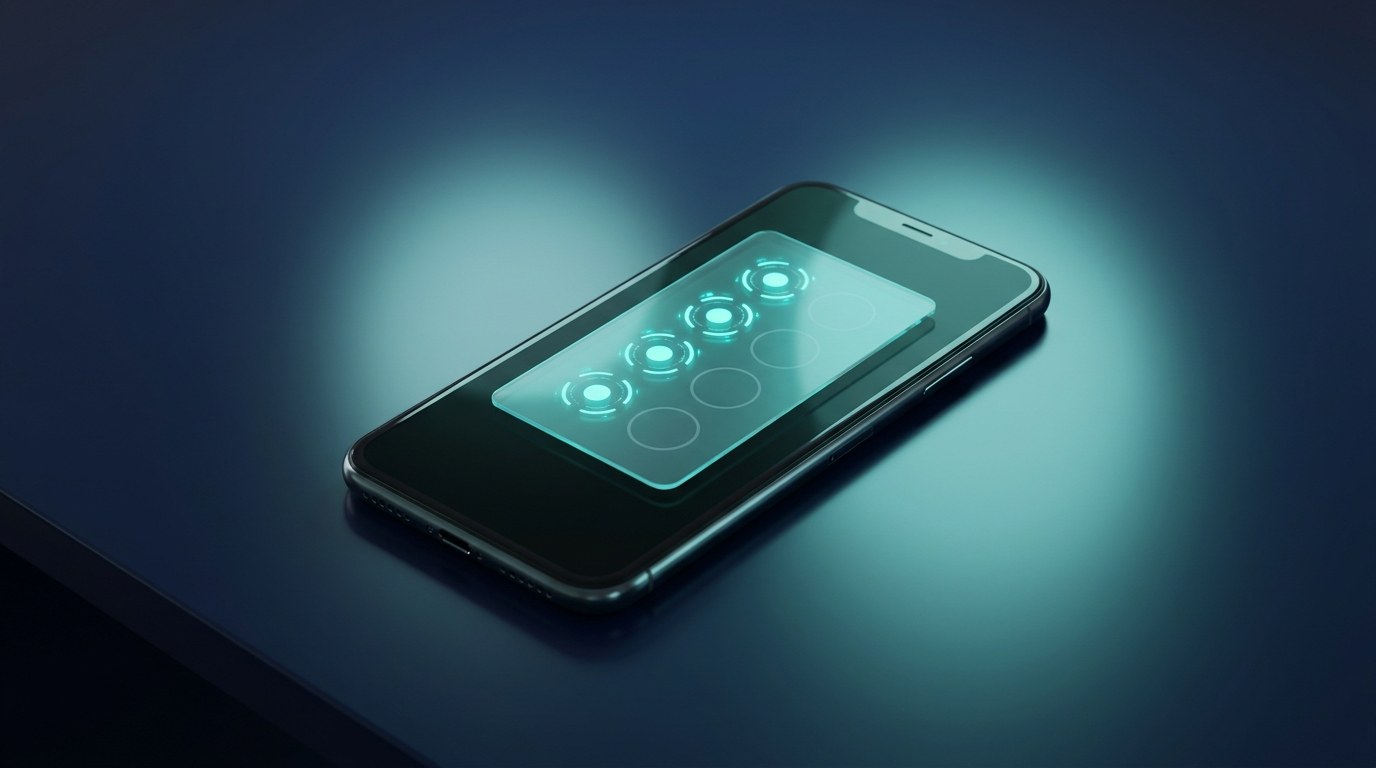
The paper punch card has one job — bring the customer back — and it fails at it more often than it works. Cards get lost with the receipt, forgotten in other bags, or put through the wash a stamp away from a free coffee. A digital punch card fixes all of that with one move: it lives in Apple Wallet and Google Wallet, next to the customer's bank cards, so it's always there when they are. Here's the practical part nobody tells you — switching from paper to digital isn't a project. Done right, it's an afternoon. This is the step-by-step.
What a Digital Punch Card Actually Is
A digital punch card is the same simple promise as the paper one — buy nine, get the tenth free — delivered as a wallet pass instead of cardboard. The customer adds it to Apple Wallet or Google Wallet with one scan, and from then on:
- Stamps are added digitally at the counter — a quick scan, no ink, no stamp that mysteriously multiplies when a customer "finds" an old card.
- The card updates itself on the customer's phone the moment a stamp lands. Eight out of ten? They can see it — and that visible progress is exactly what pulls people back in.
- It can't be lost. No reprints, no "I left it at home," no starting over from stamp one.
If you've read our piece on what a PKPass file is, that's the format doing the work behind the scenes on iPhone, with Google Wallet handling the Android side. But you don't need to know any of that to run one — the same way you don't need to understand card networks to take payments.
Step 1: Decide the Offer (Keep the Maths Simple)
Don't overthink this. The offers that work are the ones a customer can hold in their head: buy 9 coffees, the 10th is free. Five washes, the sixth is on us. Four blow-dries, 50% off the fifth. Two rules of thumb:
- Make the first stamp free. A card that starts at one-of-ten feels closer to the reward than a card at zero — and customers with visible progress come back sooner.
- Set the reward at your margin, not your fear. A free coffee costs you a couple of dirhams and buys nine paid visits. That's the cheapest marketing you will run this year.
Step 2: Design the Card Once
With a platform like Wally you design the pass in a browser — logo, brand colours, the stamp grid, the reward text. One design produces both versions automatically: the Apple Wallet pass for iPhones and the Google Wallet pass for Android. You never manage two systems, and the customer never has to think about which phone they own. The full mechanics are on our digital stamp cards page if you want to see it before you build.
Step 3: Put One QR Code Where Customers Pay
This is the whole onboarding system: a QR code on the counter, the table tent, the mirror, or the receipt. The customer scans it with their phone camera, taps "Add to Wallet," and they're in — no app to download, no sign-up form, no password. The entire join takes about ten seconds, which matters, because that's roughly how long someone will actually give you while their card payment goes through. (This is also why wallet passes succeed where branded apps stall — we've written about why customers don't download apps, and the short answer is: they just don't.)
Step 4: Stamp Digitally at the Counter
When a customer pays, your staff scans their pass — that's the punch. No training beyond "scan this," no judgement calls about smudged ink, and no way to game the card. The stamp appears on the customer's pass in real time, they see themselves get closer to the reward, and when they hit the threshold the pass tells them the reward is ready. Redemptions are logged the same way, so a reward can never be claimed twice.
What You Get That Paper Never Gave You
Here's where the digital punch card quietly outgrows its paper ancestor:
- A lock-screen channel. A wallet pass can put a message on the customer's lock screen — "your free coffee is waiting," "we've missed you, here's a bonus stamp." No SMS costs, no email that goes unread.
- Real numbers. Every stamp is a data point. You finally see how many cards are active, how often people return, and how many rewards convert into new visit streaks — things a shoebox of paper cards could never tell you.
- Instant changes. Ramadan hours, a summer double-stamp week, a new reward — edit once, and every card already in customers' wallets updates itself. No reprinting, ever.
Who It Works For
Any business with repeat visits and a counter: coffee shops and bakeries, salons and barbershops, juice bars, car washes, pet groomers, casual restaurants, and retail stores running a buy-X-get-one offer. If your customers could plausibly visit ten times, a punch card format fits — and the digital version means the card is actually present for all ten.
The Afternoon Checklist
- Pick the offer (buy 9, get 1 — first stamp free).
- Design the pass with your logo and colours.
- Print one QR code and put it at the till.
- Tell staff: "scan the pass when they pay."
- Watch the first cards land in wallets the same day.
That's the whole migration. No hardware to buy, no app to build, no plastic to order.
The Takeaway
The punch card was always a great idea trapped in a bad format. Move it into Apple Wallet and Google Wallet and the idea finally works the way it was meant to: the card is always in the customer's pocket, progress is always visible, and you get a direct line to your regulars' lock screens.
Want to see your own digital punch card in your wallet before you commit to anything? Book a quick demo with Wally — we'll put a branded card on your phone in minutes.