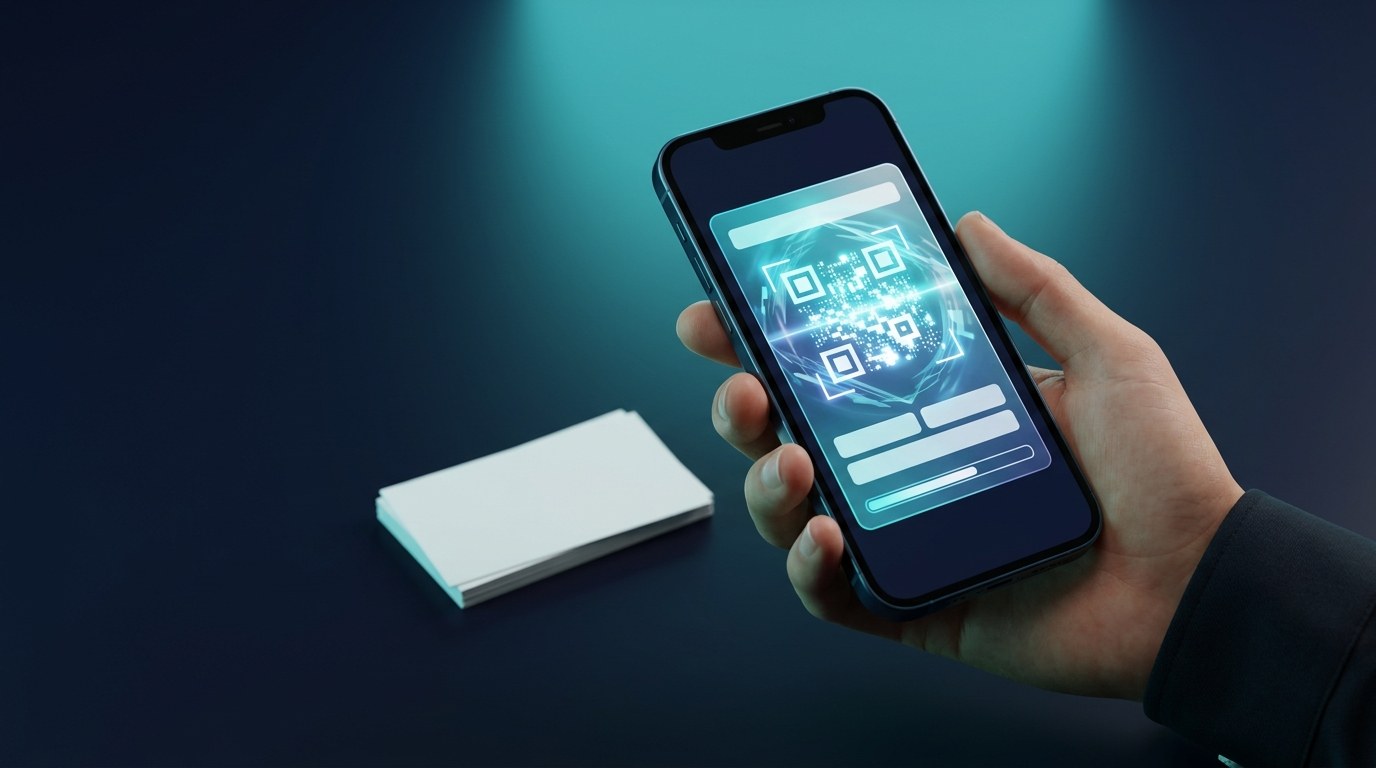
Roughly 88% of paper business cards get thrown away within a week of being handed over. That's the quiet math behind every networking event: the print run, the design fees, the box in your drawer — most of it ends up in a bin before the follow-up email would have gone out. A digital business card fixes the actual job a card is supposed to do: get your details into the other person's phone, correctly, in seconds. And the simplest place for it to live is the wallet app that's already on every iPhone.
We just made that free. Wally's digital business card creator builds an Apple Wallet business card in under a minute — no app to download, no signup, no watermark tricks. Type your details, tap Generate, add it to your wallet. Done before your coffee arrives.
Why a Digital Business Card Beats the Paper Stack
Think about what actually happens after a handshake. With paper: your card goes into a pocket, survives the laundry or doesn't, and — if you're lucky — someone manually types your name and number into their contacts, misspelling at least one of them. With a digital business card: they point their camera at your QR code, their phone opens straight into "Add Contact" with your name, phone, email, company and website already filled in. One scan, zero typos, no data entry.
There are quieter advantages too. You can't run out of a digital card — the fiftieth person at the conference gets the same card as the first. You can't forget it, because it's on the phone you'd go back home for. And when your job title or number changes, there's no drawer of obsolete stock to recycle: you generate a fresh card and the old one costs you nothing.
What You Get: A Wallet Pass With a vCard QR Code
The card the tool creates is a real Apple Wallet pass — the same format as a boarding pass or event ticket, a .pkpass file that sits in the wallet app iPhone users already open every day. On the front: your name, title, company and a QR code in your choice of colors.
The QR code is the working part. Choose the "save my contact" option and it encodes your details as a vCard — the universal contact format every phone understands. Anyone who scans it, iPhone or Android, lands directly in their contacts app with your details pre-filled. That's worth underlining: even though the pass itself lives in Apple Wallet, the people receiving your details don't need an iPhone, an app, or anything beyond their camera.
Sharing works in every direction. In person, they scan the pass on your screen. On a laptop, you get a shareable page with the same QR code. And because the pass is in your wallet, it's two taps away even when you're offline, mid-handshake, or holding a drink in your other hand.
How to Create Yours in Under a Minute
The whole flow runs in the browser at wally.ae/tools/digital-business-card:
1. Fill in your details. Name, title, company, phone, email, website — whatever you want on the card. Skip what you don't.
2. Pick your colors. Match your brand or keep it clean and dark. The preview updates as you type, so what you see is the card you'll carry.
3. Tap Generate. On iPhone, the pass opens straight into the Add to Apple Wallet sheet — one more tap and it's in. On desktop, you get a download link plus a QR code to scan with your phone.
That's the entire process. No account, no credit card, no "free trial" that isn't. The tool is genuinely free because Wally's business is the wallet pass platform behind it — loyalty cards, membership cards and event tickets for businesses — not selling business cards one at a time.
The Same Trick Works for Your Whole Business
Here's the thing worth noticing once your card is in your wallet: the reason it works is the reason wallet passes work for everything else. Nobody wants to download an app for one relationship — that's why customers don't download yours either. But everyone already has a wallet app, and adding a pass takes one scan.
Swap "business card" for "loyalty card" and the logic holds for your customers: one scan at the counter, your brand on their phone, no app to install, no paper to lose. The same wallet that holds your business card can hold a stamp card for your café's regulars, a membership card for your gym, or tickets for your next event — issued for both Apple Wallet and Google Wallet, with updates and lock-screen messages included.
And if your team needs branded cards across both wallets — sales teams, agencies, front-of-house staff — that's a platform job rather than a free-tool job, and it's exactly what Wally does.
Stop Printing. Start Scanning.
The paper business card had a hundred-year run. But the moment you can hand over your details with a scan — spelled correctly, saved instantly, impossible to lose in a jacket pocket — printing five hundred cards to have four hundred and forty thrown away stops making sense.
Create your free digital business card now at wally.ae/tools/digital-business-card — and when you're ready to put your loyalty cards, memberships or tickets in your customers' wallets too, talk to Wally. One scan to join, no app needed, works with the wallet your customers already have.