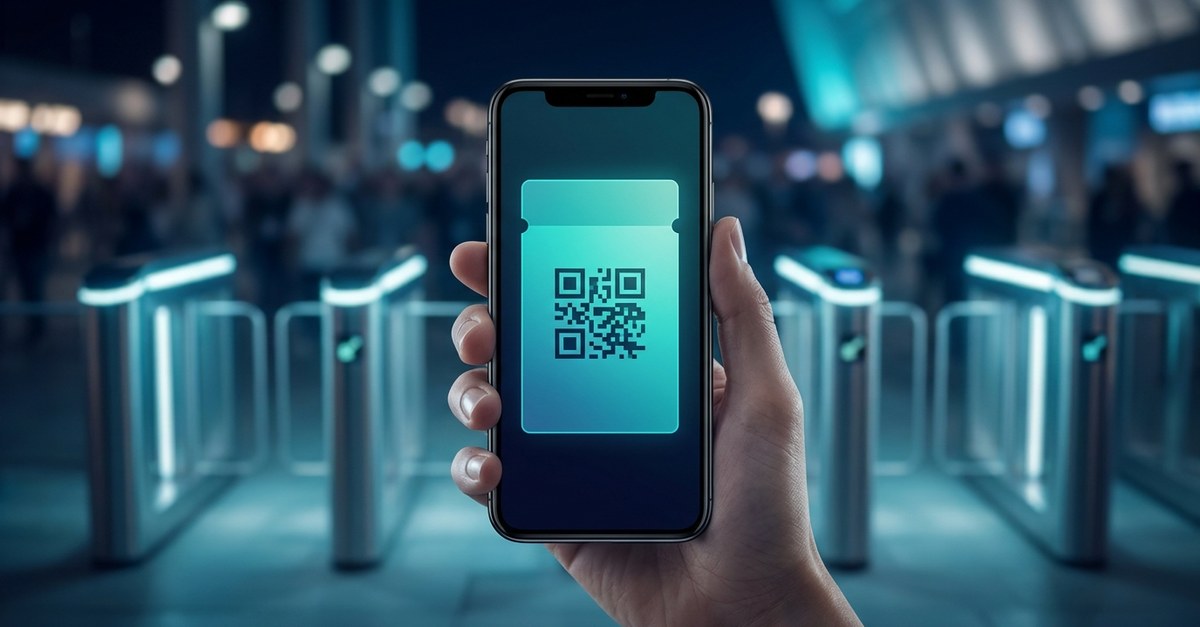
Every event has the same two queues: the one outside the venue, and the invisible one before it — attendees digging through email for a PDF, hunting for the confirmation with the barcode, asking the friend who booked to "forward the tickets again." A digital ticketing system exists to delete both queues. Done right, the ticket is issued in seconds, lands in the attendee's Apple Wallet or Google Wallet, surfaces itself on the lock screen as they approach the venue, and scans at the gate in under a second. This guide walks through how a modern wallet-based ticketing system actually works, stage by stage — and where older setups quietly leak money and time.
The Four Stages of a Digital Ticketing System
Strip away the vendor language and every ticketing system does four jobs: issue the ticket when someone buys or registers, deliver it somewhere they'll find it on event day, validate it at the door, and — the stage almost everyone throws away — keep the relationship after the event ends. Most systems handle the first job fine. The differences that decide your event-day experience live in the other three.
Delivery: Where the Ticket Lives Decides Everything
A PDF in an inbox is a ticket the attendee has to find. An app-based ticket is one they have to download software for — and for a one-off event, most people won't. A wallet pass is the only format that's already on the phone, needs no account, and knows when it's relevant: as the attendee nears the venue at the right time, the ticket appears on the lock screen by itself. No searching, no forwarding, no brightness-up screenshot of a barcode.
Delivery is also where updates happen. Doors moved from 7pm to 8pm? Gate changed? With wallet tickets you update every issued ticket in place and send a lock-screen note to every holder — free, instantly, without an email blast that half the room won't open until tomorrow.
Validation: QR, NFC, and the Screenshot Problem
At the gate, the system has one second per person to answer three questions: is this ticket real, has it been used, and is it being presented by one person only. A static barcode fails the third test — it can be screenshotted, shared to a group chat, and presented five times at five gates. Modern systems answer with rotating QR codes, or better, NFC passes that are bound to the device itself: the attendee taps their phone like a payment, nothing on screen to copy, nothing to fake. We've compared the two approaches in detail in NFC vs QR for event ticketing — the short version is that both beat paper, and NFC closes the fraud gap entirely while doubling gate speed.
Two practical details matter as much as the technology. Validation has to work when the venue Wi-Fi doesn't — gate scanning should keep working offline and sync later. And scanning shouldn't require special hardware you rent by the day: a staff phone should be a working gate.
The Stage Everyone Skips: After the Event
Here's the expensive habit built into old-style ticketing: the moment the event ends, the ticket dies, and so does your connection to everyone who came. You paid to reach these people once — through ads, listings, or a ticketing marketplace that treats them as its customers — and then you hand the relationship back.
A wallet-based system keeps the door open. The ticket in the attendee's wallet can become something that outlives the night: a pass that carries your next event's dates, a stamp card for a venue that hosts monthly nights, or a membership for your community. Your attendee list becomes an audience you can reach on the lock screen for free — which changes the economics of promoting everything you run after this. We cover how to choose software with this in mind in our event ticketing software guide.
What This Looks Like in Practice
A realistic setup, end to end: you create the event and design the ticket with your branding. Buyers get an "Add to Wallet" button on the confirmation page — one tap, done. The week of the event, a lock-screen message confirms timing; the day of, tickets surface as attendees approach. At the doors, staff phones or NFC readers validate each entry in under a second, flagging duplicates instantly. Afterwards, every attendee is still carrying your pass — and your next announcement costs nothing to send. That's the whole system: no apps, no PDFs, no printed lists at the gate, from a setup that takes an afternoon rather than an integration project.
The Takeaway
A digital ticketing system isn't just a barcode generator — it's the difference between an event-day scramble and a gate that moves, between screenshot fraud and device-bound entry, and between an audience you rent once and one you keep. The ticket format decides most of it: put the ticket in the wallet, and delivery, updates, validation, and the after-event relationship all get simpler at once.
See how Wally runs tickets in Apple Wallet and Google Wallet — QR and NFC, offline validation, free lock-screen updates — on our digital ticketing system page, or book a quick demo and we'll issue you a test ticket while we talk.