Shopping for event ticketing software is confusing in a very specific way: every platform lists two hundred features, and none of them tell you which five you'll actually use. If you run events — club nights, conferences, padel tournaments, brand launches, community iftars — you don't need an airline-grade reservation system. You need to sell or issue tickets, get people through the door quickly, know who showed up, and reach those people again for the next event. This guide covers what matters, what's nice to have, and what you can safely skip.
Start With Where the Ticket Lives
Before comparing dashboards, ask the question most organizers skip: where does the ticket end up?
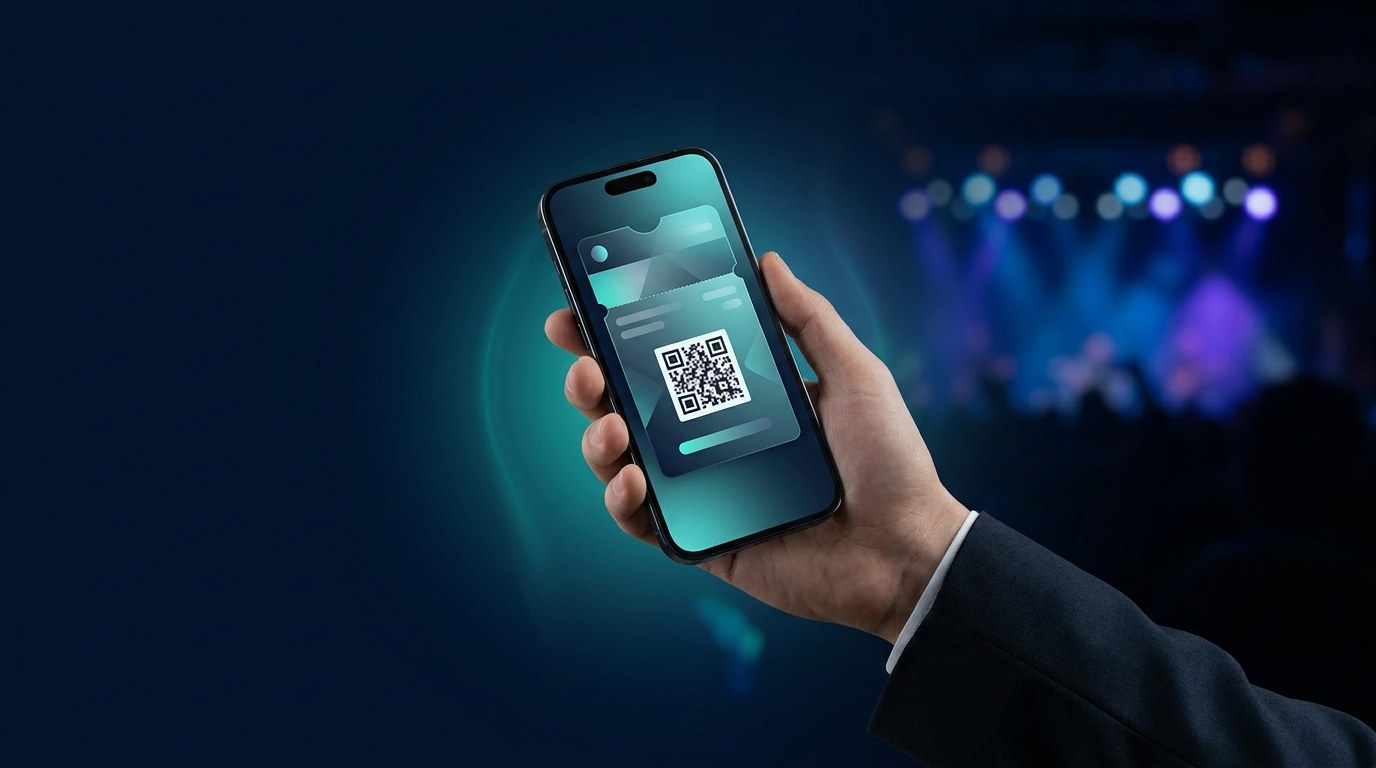
The old answer was a PDF attachment. Guests lose it in their inbox, forward it to friends (hello, duplicates), and at the gate everyone is pinch-zooming an email while the queue grows. The modern answer is the phone's built-in wallet: the ticket sits in Apple Wallet or Google Wallet, appears on the lock screen when the guest arrives at the venue, and can't be photocopied like paper or screenshotted-and-reused like a static PDF.
Wallet tickets also solve the app problem. Some ticketing platforms make guests download an app to hold their ticket — and a chunk of them simply won't. Apple Wallet and Google Wallet are already on virtually every phone, so there's nothing to install: guests tap a link or scan a QR code, and the ticket lands in their wallet in seconds. That's the standard digital ticketing should be judged against.
What Good Event Ticketing Software Must Do
Here's the short checklist. If a platform can't do these, keep looking:
- Issue tickets that are hard to fake. Every ticket should carry a unique, scannable code tied to one guest — not a generic barcode anyone can duplicate. For higher-stakes events, NFC tap-to-enter goes further than QR; we've compared the two in NFC vs QR for event ticketing.
- Scan fast at the door. Entry is your first impression. A scan should take a second, validate instantly, and flag duplicates on the spot. Ask every vendor: what happens if the same ticket is scanned twice?
- Work without an app. For guests and for staff. The best setups let your door team validate tickets with a phone they already own.
- Update tickets after they're issued. Doors moved from 7pm to 8pm? A wallet ticket updates itself and can push a notification to every guest's lock screen. A PDF can't be recalled.
- Show you real numbers. Tickets issued, tickets scanned, no-show rate, check-in times. If you can't measure attendance, you can't plan the next event.
The Feature Most Organizers Undervalue: What Happens After the Event
Here's the quiet truth of the events business: the ticket list is the asset. Anyone can rent a venue; the organizers who grow are the ones who can fill the room again because they can reach everyone who came last time.
This is where wallet-based ticketing quietly beats the PDF workflow. A wallet pass doesn't vanish after the event — it's a channel. You can update it into an early-bird offer for the next date, push a "tickets live" notification to past attendees, or convert regulars onto a membership pass with perks and priority access. Venues that run recurring nights use the same rails for door access and VIP tiers via NFC access passes.
When you evaluate event ticketing software, ask: after the event ends, what can I do with these guests? If the answer is "export a CSV," you're buying a scanner, not a growth tool.
What You Can Skip (For Now)
Features that sound essential in a sales demo but rarely matter for most organizers in the UAE and GCC:
- Reserved seating charts — unless you're running theatres or stadium blocks, general admission with tiers covers it.
- White-label mobile apps — an app your guests must download is friction dressed up as branding. Your brand belongs on the wallet pass itself.
- Complex affiliate systems — a simple share link outperforms a commission engine you'll never configure.
Skipping the heavyweight extras usually also means skipping heavyweight pricing. Per-ticket fees stack up fast on high-volume events; flat, predictable pricing is kinder to a margin that already absorbs venue, talent, and marketing costs.
A Realistic Setup, Start to Finish
What this looks like in practice with a wallet-first platform like Wally:
- Create the event — name, date, venue, ticket tiers, your branding on the pass.
- Share one link or QR code — on Instagram, WhatsApp, your site, or printed at partner venues. Guests add the ticket to Apple or Google Wallet in about ten seconds.
- Scan at the door — staff validate with a phone; duplicates are flagged instantly.
- Follow up — push the next date to everyone who attended, straight to their lock screen.
No printed wristband logistics, no PDF-hunting at the gate, no app store. It's the same low-friction pattern that's working for entertainment venues and hospitality brands across the region.
The Takeaway
Event ticketing software doesn't need to be complicated. Get four things right — tamper-proof wallet tickets, fast scanning, live updates, and a way to re-engage attendees — and you've covered what actually decides whether entry runs smoothly and the next event sells faster. Everything else is optional.
Want to see a branded event ticket land in your own wallet before you commit to anything? Book a quick demo with Wally — we'll set up a sample event and have a ticket on your phone in minutes.